GoodbyeWindows & HelloLinux

Move your entire mod setup from Windows to Linux. No re-downloading, no starting over. Your mods, your load order, your profiles — everything comes with you.

Download Source Code
Windows

GoodbyeWindows — Exporter

Run this tool on your Windows PC. It scans for MO2 instances automatically — Registry, AppData, common install paths. Select what you want to export and choose how to transfer.

Auto-detects MO2 instances
Export to USB, external drive, or network
LAN transfer with PIN authentication
Metadata only or full export with mod files
Preserves load order, profiles & Nexus IDs
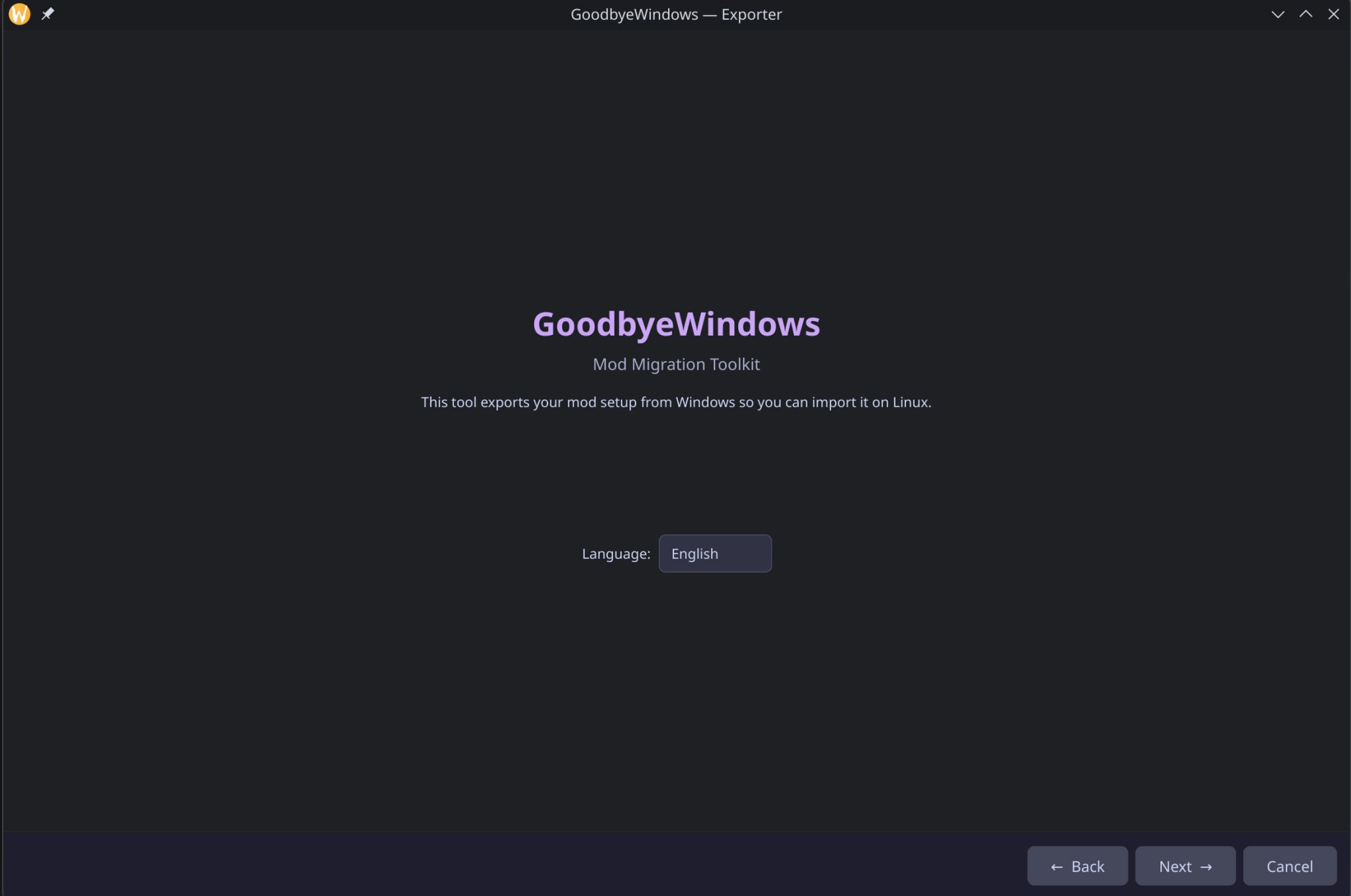
GoodbyeWindows Exporter
Linux

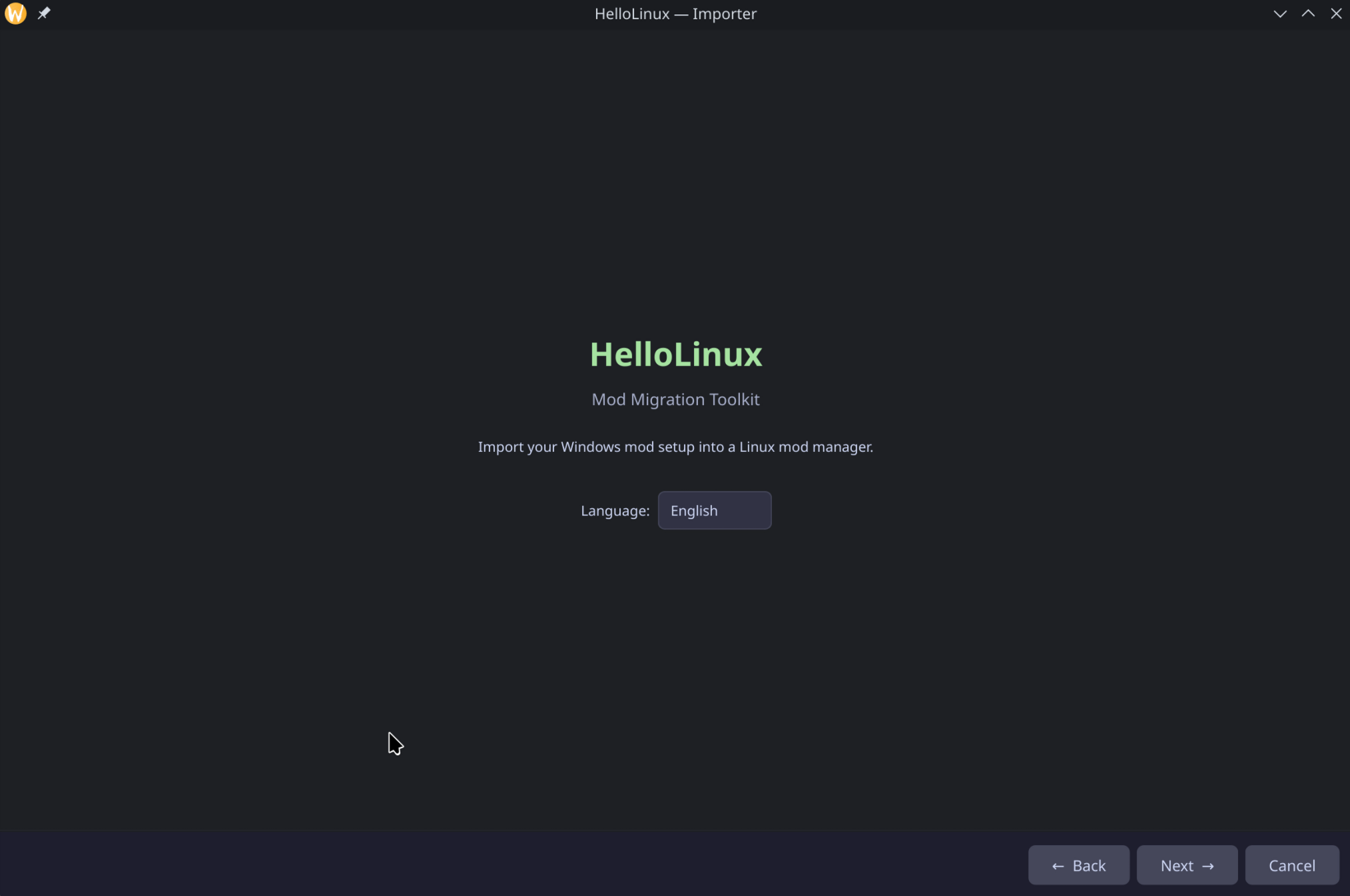
HelloLinux — Importer

Run this on your Linux PC. Import from a USB drive, scan your Windows partition (dual-boot), or receive mods directly over your local network. Everything gets converted to Anvil Organizer format.

Import from USB, NTFS partition, or network
NTFS partition scanning for dual-boot setups
Creates complete Anvil instance automatically
Symlink or copy — your choice
Vortex import planned
HelloLinux Importer
HOW IT WORKS

Three steps. That's it.

1

Export on Windows

Run GoodbyeWindows. It finds your MO2 setup and exports everything — mods, load order, profiles, Nexus IDs.

2

Transfer

USB drive, external disk, or direct LAN transfer with PIN. Your choice.

3

Import on Linux

Run HelloLinux. Select source, preview your mods, import into Anvil Organizer. Done.

SUPPORTED GAMES

Migration tested and supported for 19+ games. More coming.

Skyrim SE
Skyrim
Fallout 4
Fallout New Vegas
Fallout 3
Oblivion
Morrowind
Starfield
Cyberpunk 2077
Baldur's Gate 3
The Witcher 3
Elden Ring
Stardew Valley
Dragon Age: Veilguard
No Man's Sky
Monster Hunter World
Bannerlord
Enderal
Enderal SE